

Managed Microsoft Sentinel: A 24/7 Managed SIEM Service With Response
CyberQuell runs Microsoft Sentinel for you. We connect your data, tune the detections, watch alerts around the clock and respond to confirmed threats, with a 15-minute response SLA on critical and high-severity alerts. Sentinel stays in your own Azure tenant, so the platform and the data remain yours, and most environments go live within 72 hours.
Sentinel go-live
Alert response SLA
SIEM monitoring
Uptime SLA
Why Microsoft Sentinel for SIEM Security Monitoring?
Microsoft Sentinel is Microsoft's cloud SIEM. It runs in your Azure tenant, connects natively to Microsoft 365, Azure and Defender, and brings detection, investigation and response into one platform, so there is no SIEM hardware to buy or maintain.

Cloud-Native SIEM
Sentinel scales with your data and needs no servers of your own. It reads Microsoft 365, Azure and Defender signals natively, and it also takes in AWS, Google Cloud, firewalls and identity tools.

Correlated incidents
In the Microsoft Defender portal, related alerts from Sentinel and Defender are correlated into a single incident, so analysts see the whole attack story instead of isolated alerts.

Pay-per-GB Pricing
Sentinel is billed on the data you ingest, not per seat. Azure Activity logs, Office 365 audit logs and security alerts from Defender products are free to ingest, and new workspaces get 10 GB a day free for 31 days.

Automated Response
Playbooks can revoke sessions, disable compromised accounts and isolate endpoints as soon as a high-confidence alert fires, within limits you agree, so containment can start before manual investigation begins.
What is a managed SIEM service with Microsoft Sentinel?
A managed SIEM service means a provider runs your SIEM for you, so alerts are investigated and acted on, not just collected.
A SIEM (security information and event management) platform gathers security logs from across your business and flags suspicious activity. Microsoft Sentinel, formerly called Azure Sentinel, is Microsoft's cloud SIEM. It protects you only when someone connects the right data, tunes the rules and watches the alerts. CyberQuell does that work. We configure and run Sentinel so that it:
- Connects the data that matters, including Microsoft 365, Azure, identity, endpoints, and cloud, SaaS and network sources.
- Keeps data costs in proportion, by filtering high-volume, low-value logs and using lower-cost storage for data you keep for compliance.
- Detects threats with analytics rules mapped to MITRE ATT&CK, threat intelligence and custom queries.
Read the guide: What is Microsoft Sentinel? A practical SIEM guide
Who needs a managed Microsoft Sentinel service?
If you want better visibility, audit-ready reporting or 24/7 monitoring without building your own security operations center, a managed SIEM service can be the layer that holds the rest of your security together.

Microsoft 365 businesses
You pay for Microsoft security tools, but nobody's job is to watch the alerts. A managed service gives you analysts around the clock without hiring them.

Overloaded Sentinel teams
Sentinel is switched on, the alerts pile up and tuning never reaches the top of
the list. We take over the alert queue and the tuning, and we do not ask you to rebuild the workspace.

Regulated industries
Healthcare, finance and government suppliers need logs kept and reviewed.
Our monitoring records and monthly reports can support audits against
frameworks such as ISO 27001, SOC 2 and GDPR.

Multi-cloud environments
Workloads on Azure, AWS and Google Cloud, plus systems on your own premises, need one place to watch. Sentinel brings the logs together and we watch them.
Our approach to
managed SIEM and
security monitoring with
Sentinel
CyberQuell configures, monitors and maintains Microsoft
Sentinel so your team can detect threats faster, reduce
alert noise and respond with confidence. Our analysts
work alongside your IT team, and escalations reach you
through Teams, Slack or email.
1. Connect and Baseline
We scope your environment, then deploy Sentinel in your tenant or take over the one you have. We connect Microsoft 365, Azure, identity, endpoint and third-party sources and watch connector health, so no source goes silent. Most Microsoft 365 and Azure environments go live within 72 hours of signing.
2. Tune detections to your risk
Detection rules are written and tuned for your environment and mapped to MITRE ATT&CK. We cut alert noise, so the alerts that reach an analyst are worth reading.
3. Watch and investigate, 24/7
Sentinel flags anomalies, and our analysts decide what matters and why. They triage and investigate around the clock, including nights, weekends and public holidays. We commit to a 15-minute response SLA on critical and high-severity alerts, and every response time is logged and reported to you each month.
4. Hunt and respond
Analysts hunt through your historical data for threats that rules have not caught. When a threat is confirmed, playbooks and analysts revoke sessions, disable compromised accounts and isolate endpoints, within the limits you set.
5. Report and improve
You get a monthly report covering the incidents we handled and our response times. We keep tuning rules and data sources, and we review data costs, so the service keeps pace as your environment changes.
Why Choose CyberQuell for Microsoft Sentinel Services?
We don’t just deploy Sentinel. We configure it, tune it, monitor it, investigate alerts, and keep improving it around your actual risk.

Microsoft Sentinel Expertise
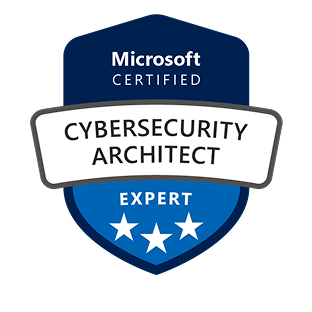
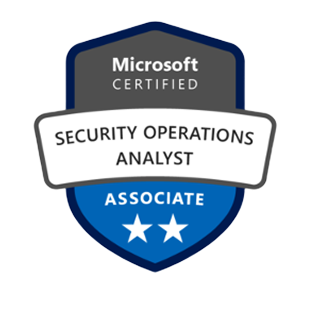
Our team holds Microsoft certifications in cybersecurity architecture, security operations, Azure security engineering and Azure administration, and has deployed Sentinel across cloud-native, hybrid and multi-cloud environments.

Analysts who respond, not just alert
From connector setup and rule tuning to 24/7 triage, containment and monthly reporting, you get a working SIEM without the hiring, training or tooling overhead. Every confirmed alert is investigated and contained by an analyst, not just forwarded to you.

Your tenant, Your Data
Sentinel runs in your own Azure tenant, and Microsoft bills its data charges to you directly. The workspace and your data stay yours.

A fixed monthly price
We price on monitored devices (endpoints and servers), not log volume, so the monthly figure is fixed and predictable. There are no setup or onboarding fees, and you get a firmprice after a 15-minute scoping call. Microsoft's data charges are separate and paid to Microsoft.

Real incident experience
Our analysts investigate real incidents, from phishing account compromises to exposed cloud credentials, and bring that experience into your Sentinel monitoring, so active threats are found faster and business impact is reduced.
Managed Sentinel vs an in-house SIEM team vs a general MDR service
| CyberQuell managed Sentinel | In-house SIEM team | General MDR service | |
|---|---|---|---|
| Hours of coverage | 24/7/365 | Depends on team size and shift cover | Usually 24/7 |
| Time to go live | Within 72 hours for most Microsoft 365 and Azure environments | Depends on hiring and setup | Varies by provider |
| Who owns the platform and data | You, in your Azure tenant | You | Often the provider's own platform |
| Staff you need | No dedicated security staff. Your IT team receives escalations | Your own analysts and engineers | No dedicated security staff |
| What is monitored | The endpoint, email, identity, cloud and network logs you connect | Whatever your team connects | Often endpoints first |
| Cost pattern | Fixed monthly fee based on monitored devices, plus Microsoft's data charges | Salaries, training and tooling | Usually per endpoint or per user |
Get Microsoft Sentinel monitored 24/7 by CyberQuell
A 15-minute response SLA on critical and high-severity alerts, your workspace kept in your own tenant, and most environments live within 72 hours.


Hear from our clients
Case Studies
See how these played out
Case Study
Emergency M365 Defederation | Legal Firm / 200 Mailboxes | Zero Email Downtime
A 200-mailbox law firm was locked inside GoDaddy's Microsoft 365 tenant, unable to reach the E3 security features their client-confidentiality obligations demanded.CyberQuell executed a full tenant defederation in four hours with zero email downtime, handing the firm complete administrative control and unlocking encryption, Conditional Access, and data loss prevention.
Engagement duration: 4 hours | Environment: 200 mailboxes | Email downtime: Zero | E3 security features unlocked: Yes
Case Study
BEC Payment Redirect | Events / Exhibitor | No Internal Breach
A fraudulent invoice using domain impersonation redirected a $5,562.50 exhibitor booth deposit to an attacker-controlled account.CyberQuell's investigation confirmed no internal breach had occurred, avoiding costly tenant-wide remediation and documenting the incident for financial and insurance claims.
Incident type: Business Email Compromise | Payment redirected: $5,562.50 | Attack method: Domain impersonation | Systems compromised: None
Case Study
Multi-Phase BEC Campaign | Professional Services | $150,000+ Fraud Attempt Stopped
A sophisticated threat actor maintained persistent access to a bookkeeper's Microsoft 365 mailbox for four months, survived multiple remediation attempts, and orchestrated fraudulent payment requests to multiple clients totalling over $150,000.
CyberQuell's forensic investigation uncovered session token theft and malicious Outlook rules that had survived credential resets. Full threat eradication. Zero financial loss.
Attack duration: 4 months | Fraud attempted: $150,000+ | Financial loss: £0 | Previous remediation attempts failed: Yes

Case Study
Phishing Account Compromise | Microsoft 365 / Azure AD | Contained in Hours
A phishing attack compromised a single Microsoft 365 account, raising the threat of persistent mailbox access and data theft across the tenant.CyberQuell contained the account within hours, confirmed only a handful of emails were accessed, and verified no persistence mechanisms or data exfiltration remained.
Incident type: Phishing compromise | Environment: Microsoft 365 / Azure AD | Systems compromised: Single user account | Data exfiltration: None
Case Study
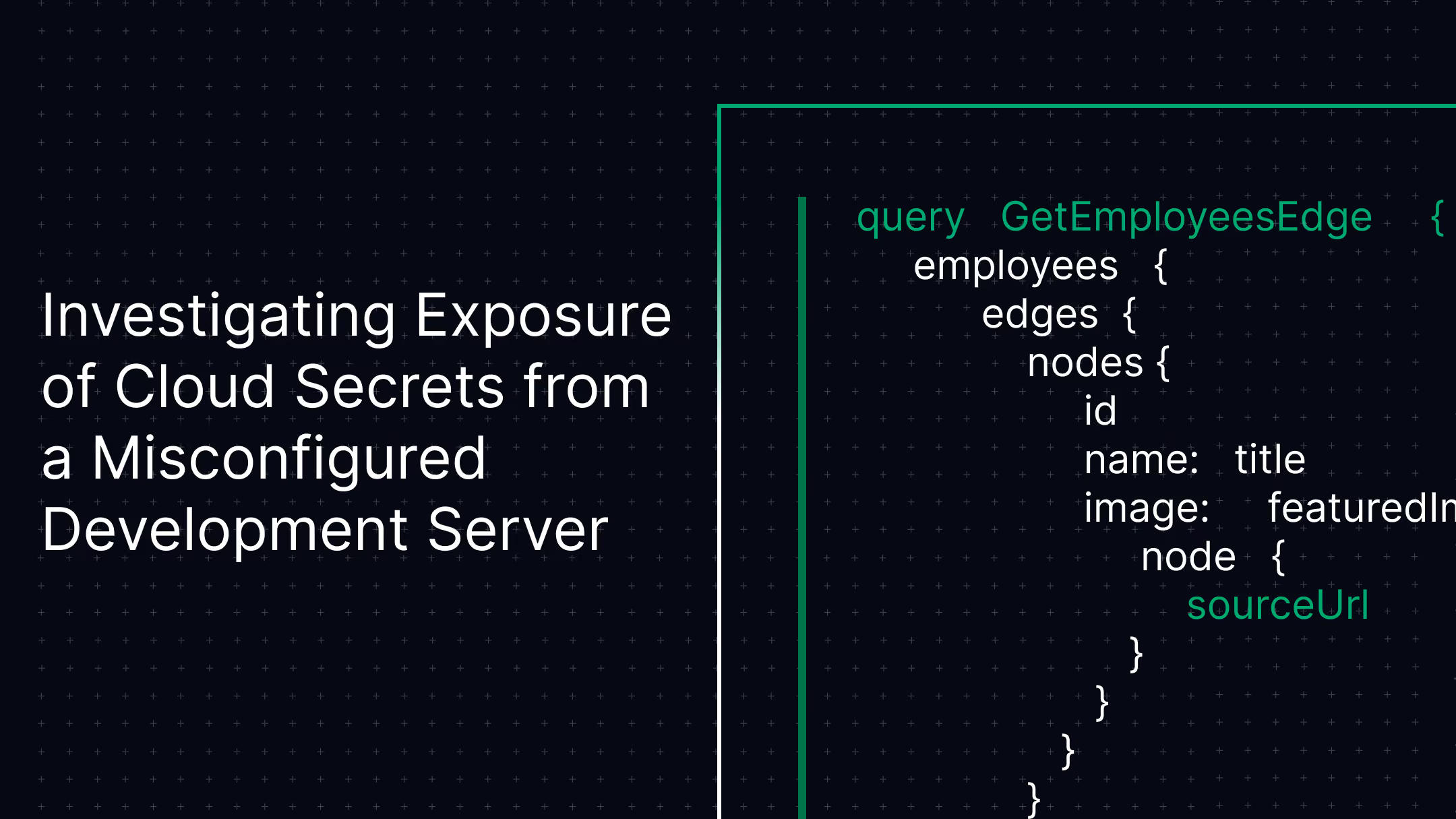
Exposed Cloud Secrets | AWS / Web Application | No Unauthorised Access
A misconfigured Symfony development server publicly exposed cloud credentials and application secrets, opening the door to a full AWS environment compromise.CyberQuell's forensic investigation confirmed no unauthorised access had occurred and rotated every exposed credential before it could be abused. Production systems untouched.
Incident type: Cloud secret exposure | Environment: AWS / Symfony | Credentials rotated: Before exploitation | Systems compromised: None

Case Study
Suspicious M365 Logins | Microsoft 365 / Azure AD | No Compromise Confirmed
Microsoft 365 security alerts flagged logins from unusual locations, pointing to a possible account takeover across the tenant.CyberQuell traced the anomalies to legitimate network routing behaviour and confirmed no compromise, sparing the organisation disruptive account resets while tightening identity monitoring.
Incident type: Suspicious authentication | Environment: Microsoft 365 / Azure AD | Root cause: Network routing | Systems compromised: None
Case Study
HR Document Exposure | Microsoft 365 / SharePoint | No Breach Confirmed
Confidential HR and compensation documents began surfacing in Microsoft 365 search results, triggering fears of a serious data breach.CyberQuell traced the exposure to permission inheritance and migration errors rather than an external attack, then restricted access and hardened Microsoft 365 governance.
Incident type: Internal data exposure | Environment: SharePoint / OneDrive | Root cause: Permission inheritance | External breach: None

Case Study
White-Label SOC Partnership | Managed Service Provider | $12,400 MRR in 23 Days
A regional MSP needed to offer security monitoring to more than 40 SMB clients but had no SOC, no spare capital, and no security staff to build one.CyberQuell launched a fully white-labelled SOC in 23 days with zero capital outlay, generating $12,400 in monthly recurring revenue at 60 percent margins under the MSP's own brand.
Engagement type: White-label SOC | Time to revenue: 23 days | Client portfolio: 40+ SMBs | Capital investment: Zero
Our Certifications
We pride ourselves on having a highly certified team, with each member continuously upgrading their skills to stay at the forefront of cybersecurity.
Get Microsoft Sentinel monitored 24/7 by CyberQuell
A 15-minute response SLA on critical and high-severity alerts, your workspace kept in your own tenant, and most environments live within 72 hours.
Frequently asked questions about Managed Microsoft Sentinel
Clear answers on pricing, onboarding, response times and how managed Microsoft Sentinel works day to day.
A managed Microsoft Sentinel service is one where a security provider runs Microsoft’s cloud SIEM for you: it connects your data sources, tunes the detection rules, watches incidents 24/7 and responds to threats. CyberQuell runs managed Microsoft Sentinel for businesses in the US, UK and UAE. Your team gets round-the-clock monitoring without hiring analysts.
CyberQuell prices managed Microsoft Sentinel on the number of devices monitored, not on log volume, as a fixed monthly fee with no setup fees. You get a firm price after a 15-minute scoping call, and a 30-day pilot is available. Microsoft’s own Sentinel data charges are billed to your Azure subscription, because the workspace sits in your tenant.
Most CyberQuell environments go live within 72 hours of signing. That covers connecting your priority data sources, enabling detection rules and starting 24/7 monitoring. Tuning continues in the weeks after go-live, as the rules learn what normal looks like in your environment.
CyberQuell commits in writing to a 15-minute response SLA on critical and high-severity alerts, 24 hours a day, 365 days a year. Analysts investigate each incident and escalate to your team through Microsoft Teams, Slack or email.
Yes. With CyberQuell, your Microsoft Sentinel workspace and all your security data stay in your own Azure tenant. CyberQuell accesses it through Azure Lighthouse, which gives delegated access that you can see and revoke at any time.