

Managed Microsoft Defender for Endpoint
Real-time protection, 24/7 expert monitoring, and incident response for every device in your environment.
Full MDE deployment
Alert triage SLA
Threat containment SLA
Endpoint monitoring
Endpoint Security Only Works When Someone Is Watching
Microsoft Defender for Endpoint is powerful, but most organisations do not use it fully.
ASR rules stay in audit mode. Tamper protection is missed. EDR in block mode is not enabled. Alerts pile up without proper triage. And when a real threat appears, the team is left figuring out what to do next.
CyberQuell closes that gap. We deploy Microsoft Defender for Endpoint properly, harden it beyond default settings, monitor every alert, and respond before endpoint threats spread across your environment.
What Is Microsoft Defender for Endpoint?
Microsoft Defender for Endpoint is Microsoft’s enterprise endpoint security platform. It helps protect business devices from malware, ransomware, credential theft, suspicious behaviour, and advanced attacks that basic antivirus tools can miss.

More than basic antivirus
MDE is not the same as Windows Defender Antivirus. It adds endpoint detection, investigation, response, and control for business devices.

Protection across every device
MDE supports Windows, Windows Server, macOS, Linux, iOS, and Android, giving your team visibility across laptops, servers, and mobile devices.

Connected to your Microsoft stack
MDE works with Intune for device policies and Sentinel for security monitoring, so endpoint alerts are not viewed in isolation.

Hardened beyond defaults
CyberQuell configures ASR rules, tamper protection, EDR in block mode, device isolation, and other controls often left disabled or in audit mode.

Monitored by real analysts
CyberQuell monitors endpoint alerts around the clock, filters noise, investigates threats, and responds before issues spread.
MDE Plan 1 vs Plan 2 vs Defender for Business
Not every organisation needs the same Microsoft Defender plan. Compare the key differences between Defender for Business, MDE Plan 1, and MDE Plan 2, then let CyberQuell help you choose, configure, and manage the right option for your environment.
| Defender for Business | MDE Plan 1 | MDE Plan 2 | |
|---|---|---|---|
| Who it's for | ✅ | ✅ | ✅ |
| Next-gen AV | ✅ | ✅ | ✅ |
| Attack surface reduction | ✅ | ✅ | ✅ |
| Device isolation | ✅ | ✅ | ✅ |
| EDR + behavioural detection | Limited | ❌ | ✅ |
| Automated investigation | Simplified | ❌ | ✅ |
| Threat & vulnerability management | ❌ | ❌ | ✅ |
| Proactive threat hunting | ❌ | ❌ | ✅ |
| Microsoft Sentinel integration | Limited | Limited | ✅ Full |
| Linux, macOS, iOS, Android | Limited | ✅ | ✅ |
CyberQuell manages all three tiers. We assess your environment, headcount, compliance obligations, and existing Microsoft licensing, then recommend the plan that gives you the right protection at the right cost. We do not upsell what you do not need.

What's Included in CyberQuell's Managed MDE Service
From deployment and hardening to 24/7 monitoring and response, CyberQuell manages Microsoft Defender for Endpoint across your full device estate.

Deployment and baseline configuration
MDE installed and configured across all supported devices (Windows, macOS, Linux, iOS, Android) with Microsoft's security baseline applied and hardened beyond defaults

Attack surface reduction (ASR) rules
All ASR rules activated and tuned for your environment. We move beyond audit-only mode, which is where most self-managed deployments stop.

EDR in block mode
Enabled on all devices. MDE actively blocks threats detected post-breach without requiring a separate AV solution.

Tamper protection
Locked on across all endpoints so attackers cannot disable Defender from a compromised device.

Microsoft Intune policy alignment
Device compliance policies in Intune are synchronised with MDE health requirements. Non-compliant devices are flagged before they become an incident.

24/7 monitoring and alert triage
Every alert reviewed. Noise filtered. Real threats escalated. Initial triage completed within 30 minutes of alert generation.

Proactive threat hunting
Analysts actively search for indicators of compromise that automated detection has not yet flagged.

Automated response + analyst-led containment
Compromised devices isolated automatically. Analyst-led investigation follows within 1 hour of confirmed threat
Microsoft Sentinel integration
MDE signals fed into Sentinel for cross-service correlation. Endpoint events contextualised against identity, email, and cloud activity.

Threat and vulnerability management
Continuous visibility into unpatched vulnerabilities, misconfigurations, and exposure across your device estate.

Compliance-ready reporting
Monthly reports formatted for HIPAA, ISO 27001, GDPR, and CIS audit requirements.

Incident response SLA
Confirmed threats contained within 4 hours. Full forensic report delivered within 5 business days of incident closure.
How Managed MDE Works: From Onboarding to Always-On Protection
We assess your current setup, deploy and harden Microsoft Defender for Endpoint, onboard your environment to our SOC, and keep protection running around the clock.
Step 1: Environment Assessment (Days 1-3)
We start with a full review of your device estate, existing Microsoft licensing, current Defender configuration, and Intune deployment state. We identify gaps, misconfigurations, and which MDE plan fits your needs. You receive a plain-English summary before we touch anything.
Step 2: Deployment and Configuration (Days 4-10)
MDE is deployed and configured across your devices. ASR rules are activated and tuned. Tamper protection, EDR in block mode, and network protection are switched on. Intune compliance policies are aligned. Sentinel integration is established if in scope. Most clients are fully protected within 10 business days of engagement start.
Step 3: Onboarding to the SOC (Days 10-14)
Your environment is onboarded to CyberQuell's monitoring platform. Alert thresholds are calibrated to reduce false positives. Escalation contacts and response runbooks are confirmed with your team. You receive a baseline security posture report.
Step 4: Continuous Protection
24/7 monitoring begins. Alerts are triaged, threats are contained, and you receive regular reporting. Quarterly reviews assess your threat landscape, flag new vulnerabilities, and adjust configuration as your environment changes.
Who Needs Managed Microsoft Defender for Endpoint?

Finance, legal, and healthcare organisations
Regulated industries face the most aggressive targeting and the harshest penalties for a breach. HIPAA, ISO 27001, GDPR, and FCA rules all require demonstrable controls around endpoint security. CyberQuell's managed MDE service provides the audit-ready reporting and incident documentation these frameworks require.

Businesses with distributed or hybrid workforces
Endpoints are hardest to protect when they are not in the office. BYOD policies, home networks, and travel expose devices to risks that perimeter controls cannot reach. MDE's cloud-native architecture protects devices wherever they work. CyberQuell ensures that protection is active and correctly configured on every one of them.

Finance & Financial Microsoft 365 organisations replacing legacy AV
If your organisation runs Microsoft 365 Business Premium or E3/E5, you likely already have MDE included in your licence and are not using it. Legacy antivirus is consuming budget while MDE sits unconfigured. CyberQuell transitions you off legacy tools and fully activates what you already own.

SMBs and mid-market teams without a dedicated SOC
A security operations centre costs over £300,000 per year to build and staff. CyberQuell gives you the same 24/7 monitoring, threat hunting, and incident response capability, without the headcount, infrastructure, or six-month build timeline.
Microsoft Defender for Endpoint vs CrowdStrike Falcon
If your organisation already runs on Microsoft 365, Microsoft Defender for Endpoint can often give you strong enterprise endpoint protection without adding another standalone security platform.
Use this comparison to understand where MDE, managed by CyberQuell, fits against CrowdStrike Falcon.
| Dimension | Microsoft Defender for Endpoint, Managed by CyberQuell | CrowdStrike Falcon |
|---|---|---|
| Ecosystem fit | Native to Microsoft 365, Azure, Intune, and Sentinel | Strong standalone platform with integration work needed for Microsoft environments |
| Licence cost | Often included in Microsoft 365 Business Premium, E3, or E5 plans | Separate endpoint security licence |
| Management overhead | Deployed, hardened, monitored, and managed by CyberQuell | Requires internal expertise or a separate managed service |
| OS coverage | Windows, macOS, Linux, iOS, and Android | Windows, macOS, Linux, iOS, and Android |
| Threat detection | Behavioural detection, automated investigation, device isolation, and Microsoft security signal correlation | Strong independent detection engine and threat intelligence |
| Compliance reporting | Easier to align with Microsoft Sentinel, Intune, and Purview reporting workflows | May need additional tooling or integration for Microsoft-led reporting |
| Best fit | Microsoft 365 organisations that want to maximise existing licensing and reduce tool sprawl | Organisations that want a standalone EDR platform independent of the Microsoft stack |
For Microsoft-first businesses, the question is not always “which tool is stronger?” It is often “which tool can we deploy, manage, monitor, and prove value from faster?”
CyberQuell helps you get more from the Microsoft security licences you may already own by configuring MDE properly, integrating it with your wider Microsoft stack, and monitoring it around the clock.
Case Studies
See how these played out

Case Study
Emergency M365 Defederation | Legal Firm / 200 Mailboxes | Zero Email Downtime
A 200-mailbox law firm was locked inside GoDaddy's Microsoft 365 tenant, unable to reach the E3 security features their client-confidentiality obligations demanded.CyberQuell executed a full tenant defederation in four hours with zero email downtime, handing the firm complete administrative control and unlocking encryption, Conditional Access, and data loss prevention.
Engagement duration: 4 hours | Environment: 200 mailboxes | Email downtime: Zero | E3 security features unlocked: Yes
Case Study
BEC Payment Redirect | Events / Exhibitor | No Internal Breach
A fraudulent invoice using domain impersonation redirected a $5,562.50 exhibitor booth deposit to an attacker-controlled account.CyberQuell's investigation confirmed no internal breach had occurred, avoiding costly tenant-wide remediation and documenting the incident for financial and insurance claims.
Incident type: Business Email Compromise | Payment redirected: $5,562.50 | Attack method: Domain impersonation | Systems compromised: None
Case Study
Multi-Phase BEC Campaign | Professional Services | $150,000+ Fraud Attempt Stopped
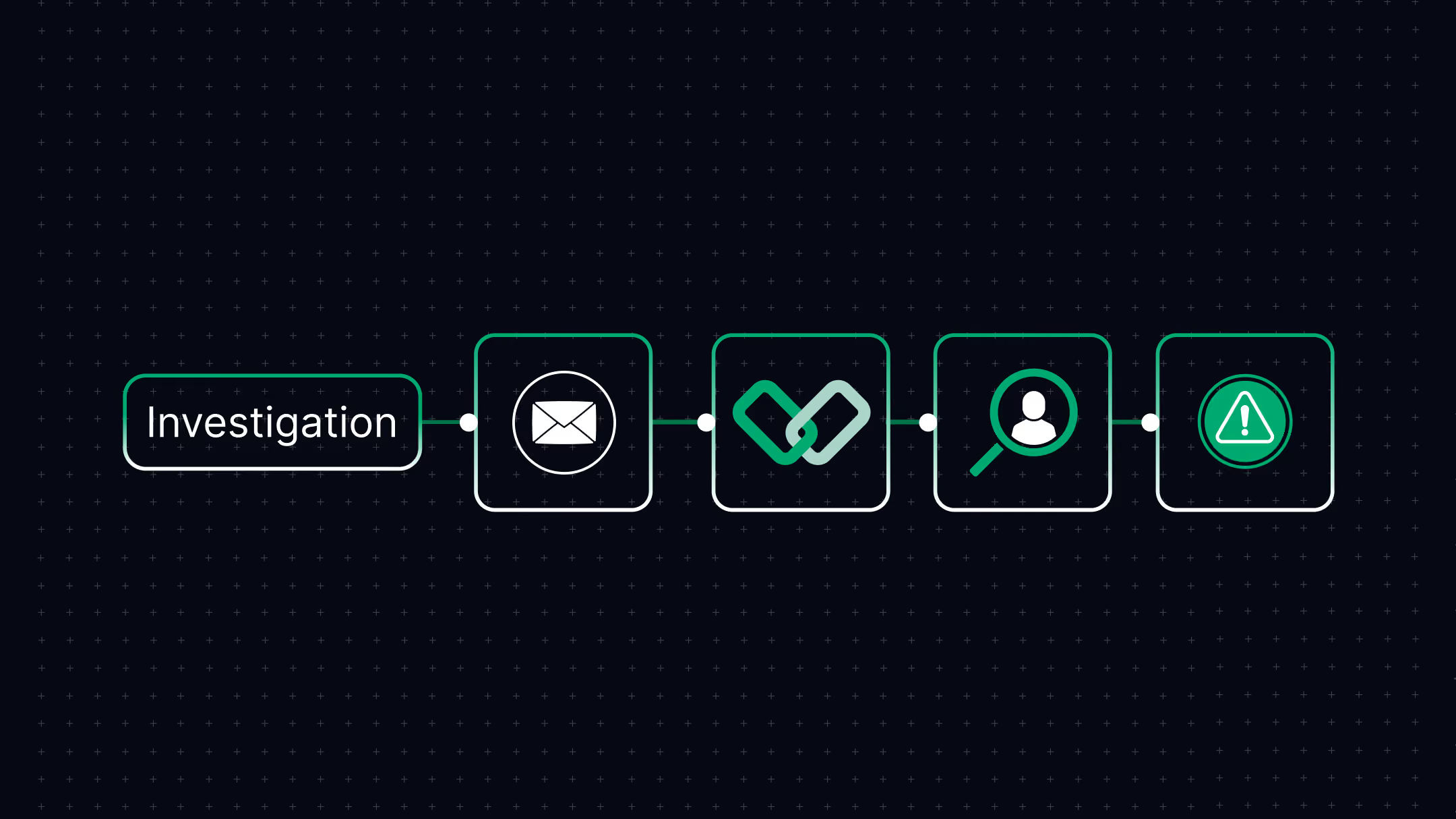
A sophisticated threat actor maintained persistent access to a bookkeeper's Microsoft 365 mailbox for four months, survived multiple remediation attempts, and orchestrated fraudulent payment requests to multiple clients totalling over $150,000.
CyberQuell's forensic investigation uncovered session token theft and malicious Outlook rules that had survived credential resets. Full threat eradication. Zero financial loss.
Attack duration: 4 months | Fraud attempted: $150,000+ | Financial loss: £0 | Previous remediation attempts failed: Yes

Case Study
Phishing Account Compromise | Microsoft 365 / Azure AD | Contained in Hours
A phishing attack compromised a single Microsoft 365 account, raising the threat of persistent mailbox access and data theft across the tenant.CyberQuell contained the account within hours, confirmed only a handful of emails were accessed, and verified no persistence mechanisms or data exfiltration remained.
Incident type: Phishing compromise | Environment: Microsoft 365 / Azure AD | Systems compromised: Single user account | Data exfiltration: None
Case Study
Exposed Cloud Secrets | AWS / Web Application | No Unauthorised Access
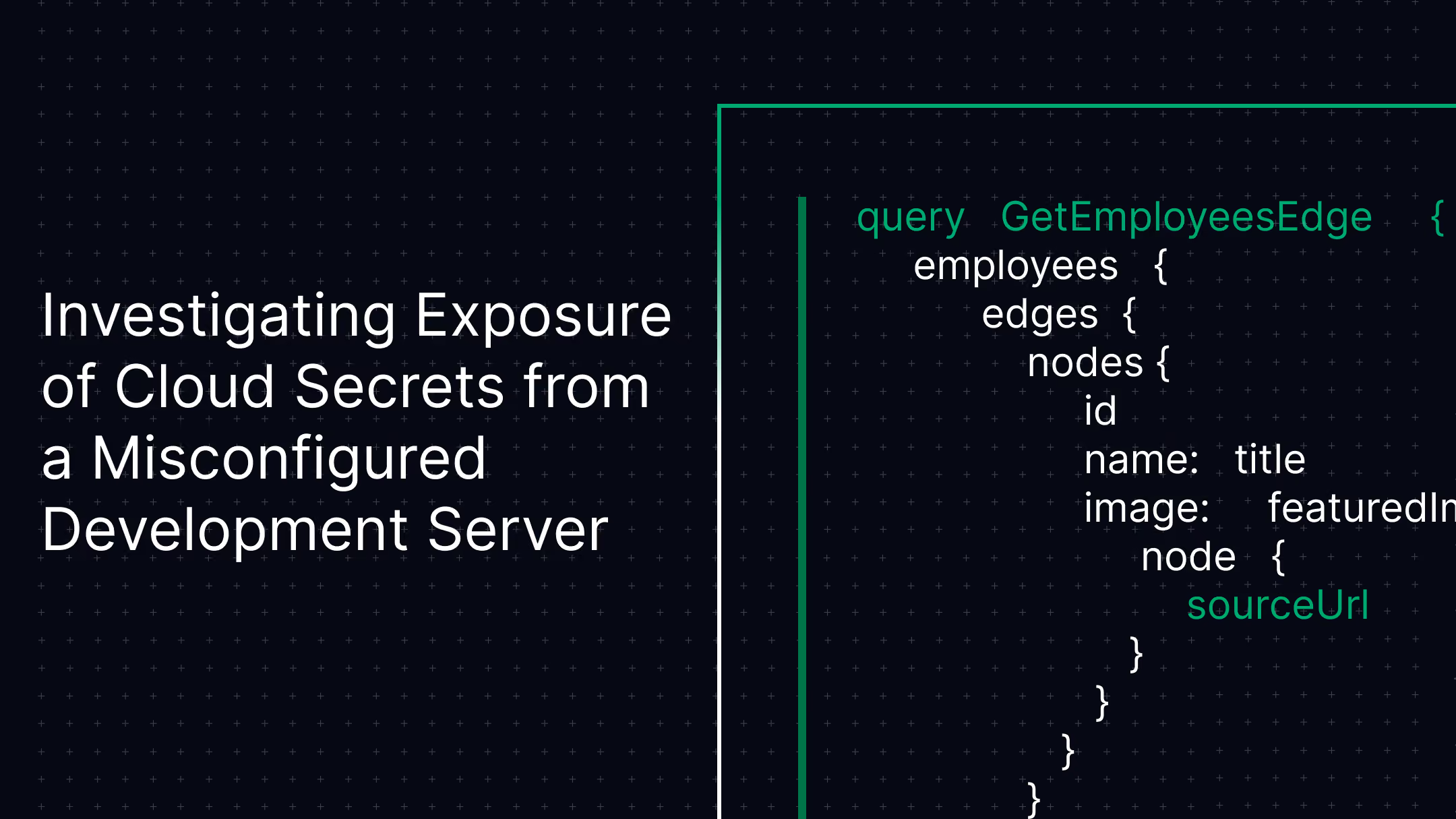
A misconfigured Symfony development server publicly exposed cloud credentials and application secrets, opening the door to a full AWS environment compromise.CyberQuell's forensic investigation confirmed no unauthorised access had occurred and rotated every exposed credential before it could be abused. Production systems untouched.
Incident type: Cloud secret exposure | Environment: AWS / Symfony | Credentials rotated: Before exploitation | Systems compromised: None

Case Study
Suspicious M365 Logins | Microsoft 365 / Azure AD | No Compromise Confirmed
Microsoft 365 security alerts flagged logins from unusual locations, pointing to a possible account takeover across the tenant.CyberQuell traced the anomalies to legitimate network routing behaviour and confirmed no compromise, sparing the organisation disruptive account resets while tightening identity monitoring.
Incident type: Suspicious authentication | Environment: Microsoft 365 / Azure AD | Root cause: Network routing | Systems compromised: None

Case Study
HR Document Exposure | Microsoft 365 / SharePoint | No Breach Confirmed
Confidential HR and compensation documents began surfacing in Microsoft 365 search results, triggering fears of a serious data breach.CyberQuell traced the exposure to permission inheritance and migration errors rather than an external attack, then restricted access and hardened Microsoft 365 governance.
Incident type: Internal data exposure | Environment: SharePoint / OneDrive | Root cause: Permission inheritance | External breach: None
.avif)
Case Study
White-Label SOC Partnership | Managed Service Provider | $12,400 MRR in 23 Days
A regional MSP needed to offer security monitoring to more than 40 SMB clients but had no SOC, no spare capital, and no security staff to build one.CyberQuell launched a fully white-labelled SOC in 23 days with zero capital outlay, generating $12,400 in monthly recurring revenue at 60 percent margins under the MSP's own brand.
Engagement type: White-label SOC | Time to revenue: 23 days | Client portfolio: 40+ SMBs | Capital investment: Zero
Make Microsoft Defender for Endpoint Work the Way It Should
Microsoft Defender for Endpoint may already be included in your Microsoft 365 licence. CyberQuell helps you deploy it properly, harden the right controls, monitor every alert, and respond before endpoint threats spread.

Why Choose CyberQuell to Manage Microsoft Defender for Endpoint?
We do more than switch on Microsoft Defender for Endpoint. CyberQuell deploys it properly, hardens it beyond default settings, monitors it continuously, and responds when threats are confirmed.
Microsoft Security Expertise
Our team holds Microsoft certifications across security architecture, security operations, Azure security, and Azure administration. That means your MDE setup is managed by people who understand the wider Microsoft security stack.

Fast, Structured Deployment
CyberQuell can take your environment from assessment to active monitoring in 10 to 14 business days. We review your current setup, configure MDE, align Intune policies, and onboard your endpoints to our SOC.
Hardened Beyond Defaults
Many MDE deployments leave key controls disabled or in audit mode. We configure ASR rules, tamper protection, EDR in block mode, device isolation, and security baselines so your licence is used properly.
24/7 Monitoring and Response
Endpoint alerts are reviewed by analysts around the clock. We triage alerts within 30 minutes, investigate confirmed threats, and contain incidents before they spread across your environment.
Built Around Your Microsoft Stack
MDE becomes stronger when connected with Intune, Sentinel, Defender for Office 365, and Microsoft identity signals. CyberQuell brings these signals together so endpoint security is not managed in isolation.
Clear Reporting and Reviews
You get monthly reporting, incident documentation, and regular reviews that show what was detected, what was resolved, and where your endpoint posture can improve next.
Our Certifications
We pride ourselves on having a highly certified team, with each member continuously upgrading their skills to stay at the forefront of cybersecurity.






Hear from our clients
Make Microsoft Defender for Endpoint Work the Way It Should
Microsoft Defender for Endpoint may already be included in your Microsoft 365 licence. CyberQuell helps you deploy it properly, harden the right controls, monitor every alert, and respond before endpoint threats spread.
Frequently Asked Questions
Get answers to common questions about managed Microsoft Defender for Endpoint
Microsoft Defender for Endpoint helps protect business devices against malware, ransomware, credential theft, phishing-delivered threats, suspicious behaviour, and advanced attacks that basic antivirus tools can miss. It uses behavioural detection, machine learning, and attack surface reduction rules to detect threats across your devices. It can also help identify risky configurations, vulnerable software, and signs of compromise before they turn into a wider incident.
Windows Defender Antivirus is the basic antivirus protection built into Windows devices. Microsoft Defender for Endpoint is a licensed business security platform with endpoint detection and response, automated investigation, device isolation, vulnerability visibility, threat hunting, and Microsoft security stack integrations. The names sound similar, but Microsoft Defender for Endpoint is built for organisations that need stronger protection and active security operations.
The right plan depends on your organisation size, risk level, compliance needs, and existing Microsoft 365 licence. Defender for Business is designed for smaller organisations with up to 300 users. MDE Plan 1 gives enterprise teams foundational endpoint protection, while MDE Plan 2 adds deeper EDR, automated investigation, threat hunting, and vulnerability management. CyberQuell reviews your environment and recommends the plan that gives you the right level of protection without unnecessary licence spend.
Most clients can move from assessment to active monitoring within 10 to 14 business days. This includes reviewing your current Microsoft setup, deploying and configuring MDE, aligning Intune policies, enabling key controls, and onboarding your endpoints to CyberQuell’s SOC. Larger or more complex environments may take longer. We confirm the timeline after the initial assessment.
Microsoft Defender for Endpoint supports Windows, Windows Server, macOS, Linux, iOS, and Android. This makes it useful for organisations with mixed device environments, remote teams, mobile users, and cloud-first operations. CyberQuell deploys and manages MDE across supported platforms so endpoint visibility is not limited to only Windows devices.
Yes. Microsoft Defender for Endpoint works closely with Microsoft Intune to connect endpoint security with device compliance. Intune can use MDE risk signals to restrict access from unhealthy or non-compliant devices. CyberQuell manages this integration so device policies, endpoint health, and security monitoring work together instead of being handled separately.
Having MDE installed does not mean it is fully protecting your organisation. Many deployments leave important controls disabled, misconfigured, or stuck in audit mode. CyberQuell configures MDE properly, enables key protections like ASR rules, tamper protection, EDR in block mode, and device isolation, then monitors alerts around the clock. The difference is active management, tuning, investigation, and response.
CyberQuell provides initial alert triage within 30 minutes for monitored endpoints. For confirmed threats, we isolate affected devices, investigate the scope of compromise, and work toward containment within 4 hours. After the incident is closed, you receive clear documentation covering what happened, what actions were taken, and what needs to be improved. This gives your team an auditable record for compliance, cyber insurance, and internal reporting.