

Managed Email Security with Microsoft Defender for Office 365
Stop phishing, BEC, and ransomware before they reach your users. CyberQuell configures, monitors, and responds across your Microsoft 365 email environment.
Deployment timeline
Alert triage SLA
Threat containment SLA
Expert monitoring
Email Security Cannot Stay on Default Settings
Most Microsoft 365 environments already have some level of email protection active. The problem is that default settings are usually built to stop obvious spam, not targeted phishing, business email compromise, impersonation, or malicious links hidden inside real conversations.
That is where Microsoft Defender for Office 365 becomes important. It gives your team stronger protection through Safe Links, Safe Attachments, anti-phishing policies, impersonation detection, and threat investigation.
CyberQuell makes sure those controls are properly configured, monitored, and tuned, so email threats are not left sitting in alerts or reaching users unnoticed.
What Is Microsoft Defender for Office 365?
Microsoft Defender for Office 365 is Microsoft’s email and collaboration security platform. It helps protect Microsoft 365 users from phishing, business email compromise, malicious links, ransomware attachments, impersonation, and suspicious activity across email and collaboration apps.

More than email filtering
More than email filtering
MDO goes beyond basic spam and malware filtering. It adds advanced protection for phishing, impersonation, malicious links, unsafe attachments, and post-delivery threats.

Safe Links and Safe Attachments
Safe Links checks URLs when users click, not just when an email arrives. Safe Attachments opens unknown files in a protected sandbox before they reach the inbox.

Protection beyond the inbox
MDO can also protect links and files shared through Microsoft Teams, SharePoint, and OneDrive, not just email.

Built into Microsoft 365
Because MDO is native to Microsoft 365, it works with Microsoft identity, user behaviour, and security signals across your tenant.

Managed by CyberQuell
CyberQuell configures MDO policies, tunes protection, monitors alerts, investigates threats, and responds before email attacks spread.
EOP vs Defender for Office 365 Plan 1 vs Plan 2
Not every Microsoft 365 tenant has the same level of email protection. This comparison helps you understand what comes with Exchange Online Protection, what MDO Plan 1 adds, and when Plan 2 is worth considering.
| Exchange Online Protection (EOP) | MDO Plan 1 | MDO Plan 2 | |
|---|---|---|---|
| Who it's for | All M365 tenants (default) | Orgs needing advanced threat protection | Orgs needing investigation, hunting, and training |
| Anti-spam / anti-malware | ✅ | ✅ | ✅ |
| Anti-phishing (basic) | ✅ | ✅ | ✅ |
| Safe Links | ❌ | ✅ | ✅ |
| Safe Attachments | ❌ | ✅ | ✅ |
| Anti-spoofing / BEC protection | Limited | ✅ | ✅ |
| Teams, SharePoint, OneDrive coverage | ❌ | ✅ | ✅ |
| Threat Explorer | ❌ | ❌ | ✅ |
| Automated Investigation & Response (AIR) | ❌ | ❌ | ✅ |
| Attack Simulation Training | ❌ | ❌ | ✅ |
| Post-breach investigation | ❌ | ❌ | ✅ |
| Included in M365 licence | All plans | Business Premium | ✅ |
CyberQuell reviews your current Microsoft 365 licence, checks what email security features are already available, and recommends the right plan before making changes.

What’s Included in CyberQuell’s Managed MDO Service
CyberQuell manages the full Microsoft Defender for Office 365 setup, from policy configuration and email authentication to 24/7 monitoring, phishing simulation, and incident response.

Phishing and BEC Protection
We configure anti-phishing, anti-spoofing, impersonation, and business email compromise policies around your domains, executives, users, and trusted partner patterns.

Safe Links and Safe Attachments
We deploy and tune Safe Links and Safe Attachments so malicious URLs and unknown files are checked before users interact with them.

DMARC, DKIM, and SPF Setup
We configure and enforce email authentication controls to reduce domain spoofing and stop attackers from impersonating your business.
Teams, SharePoint, and OneDrive Protection
We extend MDO protection beyond the inbox to cover malicious links and files shared across Microsoft collaboration apps.

24/7 Monitoring and Alert Triage
CyberQuell reviews MDO alerts around the clock, filters noise, escalates real threats, and completes initial triage within 30 minutes.

Threat Investigation and Response
We manage Threat Explorer, review automated investigations, contain confirmed email-borne threats, and provide forensic reporting after incidents.

Phishing Simulation Training
We run simulated phishing campaigns, track click rates, and provide in-the-moment coaching to help users recognise real attack patterns.

Compliance-Ready Reporting
You receive clear monthly reports covering email threats, incidents, user risk, policy changes, and audit-relevant security activity.
How Managed Email Security Works
We assess your Microsoft 365 email security setup, configure Microsoft Defender for Office 365, onboard your environment to monitoring, and keep protection running continuously.
Step 1: Environment and Licence Assessment
We review your Microsoft 365 tenant, current email security settings, licence coverage, domains, user risk, and any third-party email security tools already in place
Step 2: Policy Configuration
We configure anti-phishing, anti-spoofing, Safe Links, Safe Attachments, DMARC, DKIM, SPF, and collaboration app protection based on your environment.
Step 3: SOC Onboarding
Your environment is connected to CyberQuell’s monitoring workflow. We confirm alert thresholds, escalation contacts, response steps, and baseline email security posture.
Step 4: Continuous Protection
CyberQuell monitors alerts, investigates threats, reviews policies, and provides reporting as your users, domains, and email threat landscape change.
Who Needs Managed Microsoft Defender for Office 365?
Managed MDO is a strong fit for organisations that rely on Microsoft 365 but do not have the time, team, or security expertise to manage email protection in-house.

Finance, Legal, and Professional Services
Email is where payment instructions, contracts, client files, and sensitive documents move every day. CyberQuell helps reduce phishing, BEC, and impersonation risk while giving you clearer incident documentation.

Microsoft 365 Teams Replacing Email Gateways
If you already pay for Microsoft 365 and a separate email gateway, MDO may help reduce tool overlap. CyberQuell reviews your current setup and helps you move to a simpler Microsoft-native model where it makes sense.

Remote and Distributed Workforces
Phishing risk increases when users work across home networks, personal devices, and different locations. MDO helps protect users across Outlook, browser access, Teams, SharePoint, and OneDrive.

SMBs and Mid-Market Teams Without a SOC
You do not need to build a full internal security team to run stronger email protection. CyberQuell manages configuration, monitoring, investigation, and response for your Microsoft 365 environment.
Microsoft Defender for Office 365 vs Abnormal AI vs Proofpoint
For Microsoft 365 organisations, the email security decision usually comes down to fit, cost, coverage, and how much management overhead the team can handle.
Use this comparison to understand where Microsoft Defender for Office 365, managed by CyberQuell, fits against Abnormal AI and Proofpoint.
| Dimension | Microsoft Defender for Office 365, Managed by CyberQuell | Abnormal AI | Proofpoint Email Protection |
|---|---|---|---|
| Architecture | Native inside Microsoft 365 with no MX record change or additional gateway | API-based layer that works on top of the existing mail platform | Email gateway that filters messages before Microsoft 365 delivery |
| Microsoft 365 fit | Built for Microsoft 365, with access to identity, email, Teams, SharePoint, and OneDrive signals | Strong Microsoft 365 integration, but not native to the Microsoft stack | Works across multiple email environments, including Microsoft 365 |
| Licence model | Often available through existing Microsoft 365 plans, depending on your licence | Separate security licence | Separate gateway licence |
| BEC protection | Uses impersonation policies, Safe Links, Safe Attachments, identity signals, and Microsoft threat intelligence | Strong behavioural AI for BEC, vendor impersonation, and account takeover detection | Strong email filtering and threat protection, especially for larger gateway-led environments |
| Collaboration coverage | Email, Teams, SharePoint, and OneDrive | Primarily email-focused | Primarily email gateway-focused |
| Setup complexity | Managed by CyberQuell inside your Microsoft 365 environment | API-based deployment | MX record cutover and gateway configuration required |
| Best fit | Microsoft 365 organisations that want to maximise existing security tools and reduce platform sprawl | Teams that want an additional behavioural AI layer for email attacks | Enterprises with complex, multi-platform, or gateway-first email security needs |
For Microsoft-first businesses, the question is not only which platform has the most features. It is which platform can be configured properly, monitored continuously, and managed without adding unnecessary complexity.
CyberQuell helps you get more from Microsoft Defender for Office 365 by configuring the policies, monitoring the alerts, and responding when email threats need human investigation.
Case Studies
See how these played out

Case Study
Emergency M365 Defederation | Legal Firm / 200 Mailboxes | Zero Email Downtime
A 200-mailbox law firm was locked inside GoDaddy's Microsoft 365 tenant, unable to reach the E3 security features their client-confidentiality obligations demanded.CyberQuell executed a full tenant defederation in four hours with zero email downtime, handing the firm complete administrative control and unlocking encryption, Conditional Access, and data loss prevention.
Engagement duration: 4 hours | Environment: 200 mailboxes | Email downtime: Zero | E3 security features unlocked: Yes
Case Study
BEC Payment Redirect | Events / Exhibitor | No Internal Breach
A fraudulent invoice using domain impersonation redirected a $5,562.50 exhibitor booth deposit to an attacker-controlled account.CyberQuell's investigation confirmed no internal breach had occurred, avoiding costly tenant-wide remediation and documenting the incident for financial and insurance claims.
Incident type: Business Email Compromise | Payment redirected: $5,562.50 | Attack method: Domain impersonation | Systems compromised: None
Case Study
Multi-Phase BEC Campaign | Professional Services | $150,000+ Fraud Attempt Stopped
A sophisticated threat actor maintained persistent access to a bookkeeper's Microsoft 365 mailbox for four months, survived multiple remediation attempts, and orchestrated fraudulent payment requests to multiple clients totalling over $150,000.
CyberQuell's forensic investigation uncovered session token theft and malicious Outlook rules that had survived credential resets. Full threat eradication. Zero financial loss.
Attack duration: 4 months | Fraud attempted: $150,000+ | Financial loss: £0 | Previous remediation attempts failed: Yes

Case Study
Phishing Account Compromise | Microsoft 365 / Azure AD | Contained in Hours
A phishing attack compromised a single Microsoft 365 account, raising the threat of persistent mailbox access and data theft across the tenant.CyberQuell contained the account within hours, confirmed only a handful of emails were accessed, and verified no persistence mechanisms or data exfiltration remained.
Incident type: Phishing compromise | Environment: Microsoft 365 / Azure AD | Systems compromised: Single user account | Data exfiltration: None
Case Study
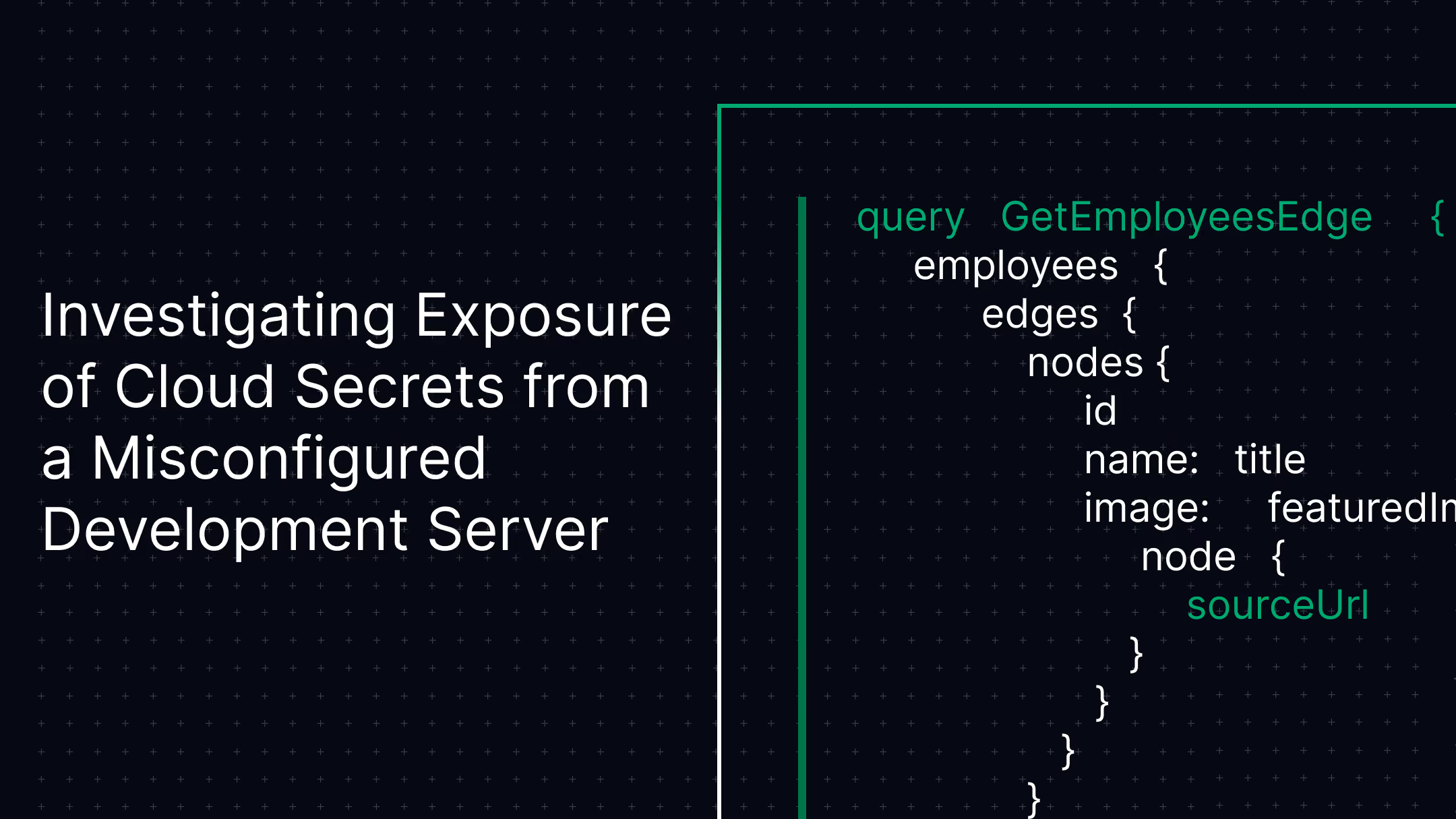
Exposed Cloud Secrets | AWS / Web Application | No Unauthorised Access
A misconfigured Symfony development server publicly exposed cloud credentials and application secrets, opening the door to a full AWS environment compromise.CyberQuell's forensic investigation confirmed no unauthorised access had occurred and rotated every exposed credential before it could be abused. Production systems untouched.
Incident type: Cloud secret exposure | Environment: AWS / Symfony | Credentials rotated: Before exploitation | Systems compromised: None

Case Study
Suspicious M365 Logins | Microsoft 365 / Azure AD | No Compromise Confirmed
Microsoft 365 security alerts flagged logins from unusual locations, pointing to a possible account takeover across the tenant.CyberQuell traced the anomalies to legitimate network routing behaviour and confirmed no compromise, sparing the organisation disruptive account resets while tightening identity monitoring.
Incident type: Suspicious authentication | Environment: Microsoft 365 / Azure AD | Root cause: Network routing | Systems compromised: None

Case Study
HR Document Exposure | Microsoft 365 / SharePoint | No Breach Confirmed
Confidential HR and compensation documents began surfacing in Microsoft 365 search results, triggering fears of a serious data breach.CyberQuell traced the exposure to permission inheritance and migration errors rather than an external attack, then restricted access and hardened Microsoft 365 governance.
Incident type: Internal data exposure | Environment: SharePoint / OneDrive | Root cause: Permission inheritance | External breach: None
.avif)
Case Study
White-Label SOC Partnership | Managed Service Provider | $12,400 MRR in 23 Days
A regional MSP needed to offer security monitoring to more than 40 SMB clients but had no SOC, no spare capital, and no security staff to build one.CyberQuell launched a fully white-labelled SOC in 23 days with zero capital outlay, generating $12,400 in monthly recurring revenue at 60 percent margins under the MSP's own brand.
Engagement type: White-label SOC | Time to revenue: 23 days | Client portfolio: 40+ SMBs | Capital investment: Zero
Make Microsoft Defender for Office 365 Work the Way It Should
Your Microsoft 365 licence may already include strong email security features. CyberQuell helps you configure them properly, monitor threats continuously, and respond before phishing, BEC, or malicious emails turn into incidents.

Why Choose CyberQuell to Manage Microsoft Defender for Office 365?
CyberQuell does more than enable Microsoft Defender for Office 365. We configure the right policies, harden protection beyond default settings, monitor alerts, and respond when email threats need investigation.
Microsoft Security Expertise
Our team understands how MDO connects with Microsoft 365, identity, Teams, SharePoint, OneDrive, Intune, and Sentinel, so email security is managed as part of the wider Microsoft stack.
Policies Hardened Beyond Defaults
We configure Safe Links, Safe Attachments, anti-phishing policies, impersonation protection, anti-spoofing rules, and BEC controls based on your environment.

24/7 Monitoring and Response
CyberQuell reviews alerts around the clock, filters noise, investigates real threats, and responds before phishing or BEC incidents spread.
Email Authentication Done Properly
We help configure DMARC, DKIM, and SPF so attackers cannot easily spoof your domain or abuse your brand in fraud campaigns.

Built for Microsoft-First Teams
If your organisation already runs on Microsoft 365, CyberQuell helps you use the security tools you may already own instead of adding unnecessary platform sprawl.

Clear Reporting and Incident Documentation
You get monthly reporting, incident records, and practical recommendations your IT, compliance, and leadership teams can actually use.
Our Certifications
We pride ourselves on having a highly certified team, with each member continuously upgrading their skills to stay at the forefront of cybersecurity.





Hear from our clients
Make Microsoft Defender for Office 365 Work the Way It Should
Your Microsoft 365 licence may already include strong email security features. CyberQuell helps you configure them properly, monitor threats continuously, and respond before phishing, BEC, or malicious emails turn into incidents.
Frequently Asked Questions
Get answers to common questions about managed Microsoft Defender for Office 365
Microsoft Defender for Office 365 helps protect users from phishing, spear phishing, business email compromise, malicious links, unsafe attachments, spoofing, impersonation, and ransomware delivered through email. It uses Safe Links, Safe Attachments, anti-phishing policies, and Microsoft threat intelligence to detect and block threats. It can also protect links and files shared across Teams, SharePoint, and OneDrive.
Exchange Online Protection is the default email filtering included with Microsoft 365. It helps block spam, known malware, and basic phishing attempts. Microsoft Defender for Office 365 adds stronger protection through Safe Links, Safe Attachments, impersonation protection, investigation tools, and advanced threat policies. For organisations facing targeted phishing or BEC risk, EOP alone is usually not enough.
MDO Plan 1 includes advanced protection such as Safe Links, Safe Attachments, anti-phishing, anti-spoofing, and protection across email and collaboration apps. Plan 2 adds deeper security operations features like Threat Explorer, Automated Investigation and Response, post-breach investigation, and attack simulation training. CyberQuell reviews your current Microsoft 365 licence and recommends the plan that fits your risk, team size, and compliance needs.
Safe Links checks URLs when a user clicks them, not only when the email first arrives. This helps catch links that become malicious after delivery. Safe Attachments opens unknown files in a protected sandbox before they reach the user. Both features need careful configuration so security is strong without breaking legitimate emails or slowing down delivery.
Yes. Microsoft Defender for Office 365 can extend protection to links and files shared through Microsoft Teams, SharePoint, and OneDrive. This matters because attackers do not only use email anymore. They also use shared files, collaboration links, and cloud apps to reach users inside Microsoft 365.
It depends on your environment. If your organisation runs fully on Microsoft 365, MDO may reduce the need for a separate email gateway when it is configured and monitored properly. Some larger or mixed-platform environments may still need a gateway-led approach. CyberQuell reviews your current setup and helps you decide whether MDO can replace, complement, or work alongside your existing tools.
DMARC is an email authentication control that helps stop attackers from sending emails that appear to come from your domain. It works with DKIM and SPF to tell receiving mail servers whether suspicious messages should be accepted, quarantined, or rejected. CyberQuell helps configure DMARC, DKIM, and SPF in a controlled way, so your domain is protected without disrupting legitimate email delivery.
Most Microsoft 365 email security environments can be assessed, configured, and onboarded within around 10 business days. The timeline depends on your current licence, number of domains, existing policies, and whether third-party email security tools are already in place. CyberQuell confirms the deployment plan after reviewing your environment.